Chapter 5.5 – Tokens, Context Windows, and Why Prompts Matter
A practical guide to understanding tokens, context windows, and how prompt structure impacts LLM output quality.
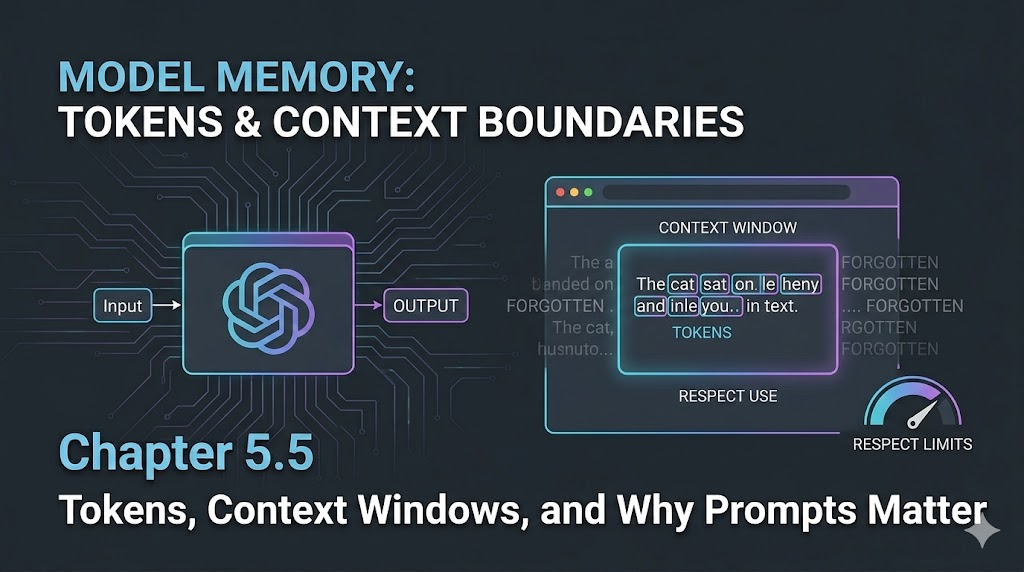
Tokens, Context Windows, and Why Prompts Matter
Introduction
When I first started working with LLMs, I thought prompts were just fancy instructions. But after a few real-world projects, I hit a wall: sometimes the model would forget earlier details, or the output would get weirdly truncated. That’s when I learned about tokens and context windows—the hidden limits that shape every LLM conversation.
Engineer’s Insight: Tokens are the building blocks of LLM memory. Context windows are the boundaries. If you don’t design for them, your prompts will break in unpredictable ways.
1. What Are Tokens?
- Tokens are chunks of text—words, parts of words, or punctuation—that LLMs use to process input and output.
- Every prompt, every response, every bit of context is made of tokens.
- Most models (like GPT-4) have a fixed token limit per request (e.g., 8,000 or 32,000 tokens).
Example:
- “Deploy the app to AWS.” → Might be 6 tokens: [“Deploy”, “ the”, “ app”, “ to”, “ AWS”, “.”]
2. Context Windows: The Model’s Memory
- The context window is the maximum number of tokens the model can “see” at once.
- If your prompt + conversation + output exceeds this window, the model will forget earlier parts or truncate the response.
- This is why long chats sometimes lose track of details, or why big documents get cut off.
Engineer’s Analogy:
- Context windows are like RAM for LLMs—if you overflow, you lose data.
3. Why Prompt Structure Matters
- The order and clarity of your prompt affects what the model remembers and prioritizes.
- Put the most important instructions and context up front.
- Use concise, explicit language to save tokens and avoid confusion.
- For long workflows, consider splitting into multiple prompts or chaining outputs.
Example:
- Bad: “Here’s a bunch of background, now do X.”
- Good: “Task: Do X. Context: [background]. Constraints: [rules].”
4. Common Pitfalls and How to Avoid Them
- Pitfall: Prompt + context + output exceeds token limit.
- Fix: Trim unnecessary details, split tasks, monitor token usage.
- Pitfall: Model forgets earlier instructions.
- Fix: Repeat key instructions, use summary prompts, keep context tight.
- Pitfall: Output gets cut off or incomplete.
- Fix: Ask for shorter outputs, break up requests, check token count before sending.
Warning: Even the best prompt fails if you ignore token and context limits.
Visualizing Context Windows (Mermaid)
flowchart LR
    A[Prompt] --> B[Conversation History]
    B --> C[Model Context Window]
    C --> D{Token Limit Reached?}
    D -- No --> E[Full Output]
    D -- Yes --> F[Truncated Output / Forgotten Details]
What I Wish I Knew Earlier
Takeaway:
- Token and context limits are the silent killers of LLM reliability.
- Always design prompts and workflows with these boundaries in mind.
- Short, clear, and well-structured prompts win every time.
What’s Next?
➡ Series 5 – Chapter 5.6: Advanced Prompt Chaining and Orchestration
In the next chapter, we’ll explore:
- How to chain prompts for complex workflows
- Orchestrate multi-step LLM tasks
- Handle state and memory across multiple requests
Architectural Question: How do you build reliable, multi-step automation pipelines with LLMs—without losing context or control?
You now understand the boundaries of LLM memory. Next, we’ll tackle how to build workflows that work within those limits.